One app to save everything from Instagram, TikTok, Pinterest and Reddit
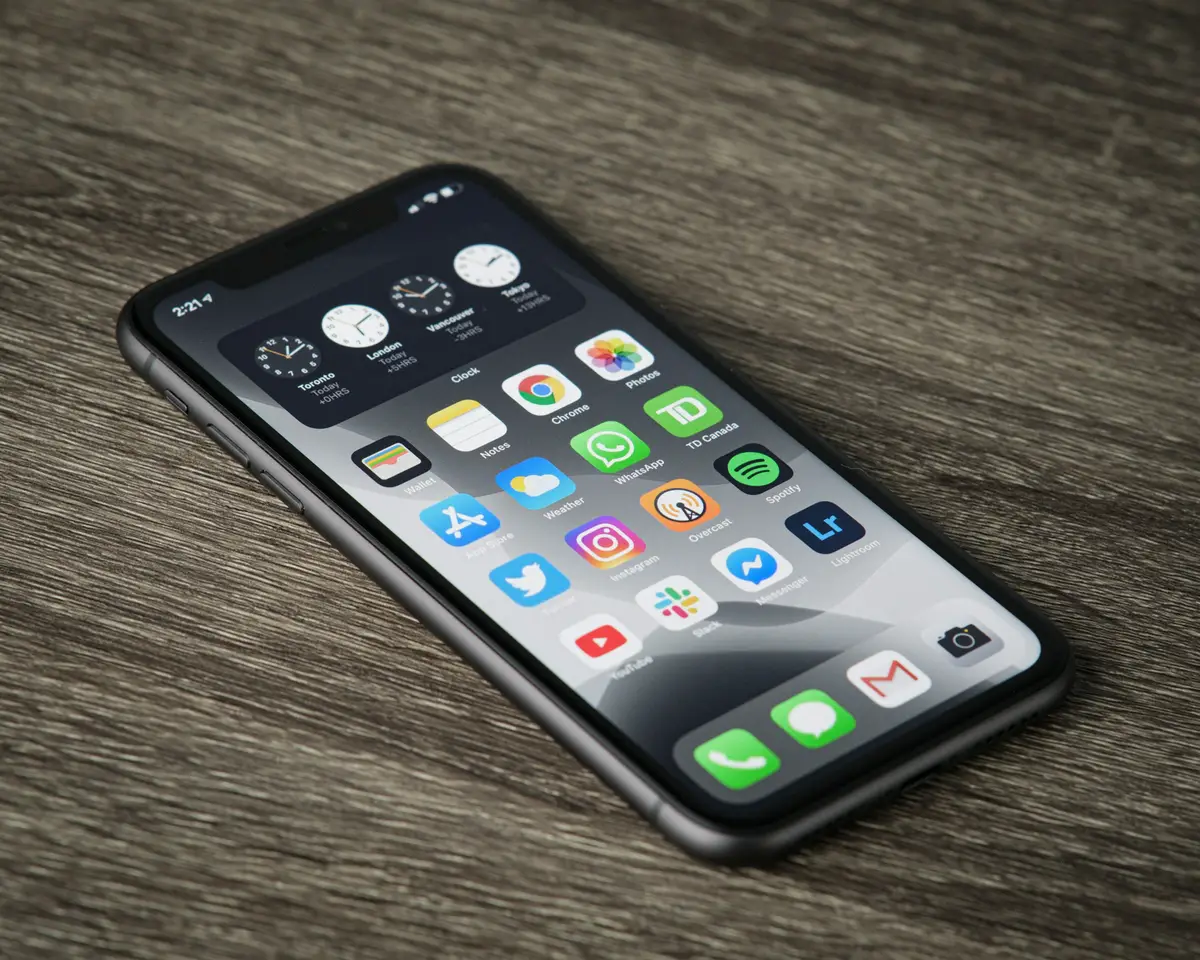
Your saves are in six places. Instagram has its grid, TikTok has Favorites, Pinterest has boards, Reddit has its own list, and somewhere there's a browser folder and four hundred screenshots. None of them talk to each other, and most of them can't be searched.
A whole category of apps now exists to fix this. Here are six of them, compared honestly — including where each one stops. Everything below was checked against each app's own site in September 2026.
Stasht
Saves from Instagram, TikTok, X, YouTube, Pinterest and the web. Its angle is extraction: AI pulls places, dates, recipes, products and even speech from videos into structured cards, then sorts them onto maps, calendars and reminders.
Free, on iOS, Android and desktop, with Chrome and Safari extensions. Genuinely free with no paid tier advertised, which makes it the easiest one to just try.
Sprink
Saves from Instagram, TikTok, YouTube, Pinterest, Reddit, Facebook and anything else that uses the iOS share sheet, plus screenshot import. AI reads each save and files it by theme — recipes to Food, workouts to Fitness — with no manual tagging.
iOS only. Three-day trial, then $2.99/month or $19.99/year, with AI credits sold separately from $0.99. If you're on Android it isn't an option.
Tote
Saves from Instagram, TikTok, Facebook Reels, Pinterest, X, Reddit, Safari and your camera roll. It leans hard on screenshots — it reads what's in the image and attaches searchable context, which most of these apps don't bother with.
iPhone plus a Chrome extension. No Android, no standalone web app, and it doesn't publish pricing on its site — so budget for finding that out after you've installed it.
TapFold
Saves from Instagram, YouTube, X and anywhere with a share sheet. Its search is the interesting part: you describe what you half-remember rather than recalling a title, and it works against AI-generated titles, transcripts and categories.
iPhone only, free to download, with an Android waitlist. The transcript angle is strong if most of what you save is video.
Siloe
Saves from X, Reddit, TikTok, Instagram, LinkedIn and Bluesky. Search covers words, phrases, usernames and flairs across every platform at once — including text inside saved images and videos, which is rarer than it sounds.
iPhone, Android and Mac. Free with unlimited bookmarks; Pro is $6.99/month, $49.99/year or $199.99 once. Notably it also runs a remote MCP server, so Claude and ChatGPT can search your library — Willa and Siloe are the two apps here that do that.
Dewey
The outlier. Dewey is built for text-heavy platforms — X, LinkedIn, Bluesky, Threads, Substack, Reddit — rather than the visual ones, and it syncs whole bookmark libraries from connected accounts instead of catching individual shares.
Chrome extension. Free tier with manual sync; Pro is $10/month ($7.50 billed annually), or $225 for lifetime. If you're saving threads and articles rather than reels, it's the most focused option here — and the most expensive.
Willa
Ours, so read this with that in mind. Willa's rule is simple: if it has a URL, you can save it. Not a fixed list of supported platforms — any app with a share button and any page on the web, into boards you can search, annotate and share as a link.
Around 38 of those — Instagram, TikTok, Pinterest, Reddit, YouTube, Spotify, Airbnb, Amazon and the rest — are recognised by name, so the save arrives with its thumbnail, title and source already attached. Everything else still saves; it just comes in as a link with whatever the page gives up.
iOS, Android, Chrome extension and web. Free covers 100 saves a month with exact-match search; Premium is $2.99/month for unlimited saves, semantic search, unlimited shared boards and full access to the AI assistant. It also connects to Claude and ChatGPT over MCP.
The honest caveat: that 100-save monthly cap on the free tier is tighter than Stasht, which is free outright, or Siloe, which gives you unlimited bookmarks for nothing. If you save heavily and won't pay, they're the better fit.
How to pick
- Android user: Stasht, Siloe or Willa. Sprink, Tote and TapFold are iPhone-only.
- Mostly saving threads and articles: Dewey.
- Mostly saving screenshots: Tote.
- Mostly saving video: TapFold, for the transcripts.
- Want AI to do the filing: Sprink or Stasht.
- Want to query saves from Claude or ChatGPT: Willa or Siloe.
- Refuse to pay anything: Stasht.
They mostly all do the core job. The thing that actually decides it is which apps you save from, whether you're on Android, and whether you want to organise things yourself or let software guess.
One thing worth checking on any of them: whether the app works from a fixed list of platforms or from anything with a URL. Most here support a named set, which is fine until the day you want to keep a recipe blog, a Craigslist listing or a PDF.
A second thing worth checking, whichever you pick: moving your saves into a third-party app changes who can see them. On the platforms themselves the answer varies more than people expect — Pinterest boards are public by default, while Instagram and Reddit saves are not.
Prices and platform support in this category change fast — check each app's own site before you commit to a subscription.